




axf:show-controls
(Auszug aus "XSL-FO ― Die Referenz" von Manuel Montero Pineda & Steffen Herkert, 2016, dpunkt.verlag)
A | B | C | D | E | F | G | H | I | J | K | L | M | N | O | P | Q | R | S | T | U | V | W | X | Y | Z
Category Images, Multimedia
Specifies whether to show the player control bar for multimedia. [no-LT]
| Value: | true | false |
| Initial: | false |
| Applies to: | fo:external-graphic / multimedia objects |
| Inherited: | no |
| Percentages: | N/A |
Values have the following meanings.
| true | Shows the player control bar. |
| false | Does not show the player control bar. |
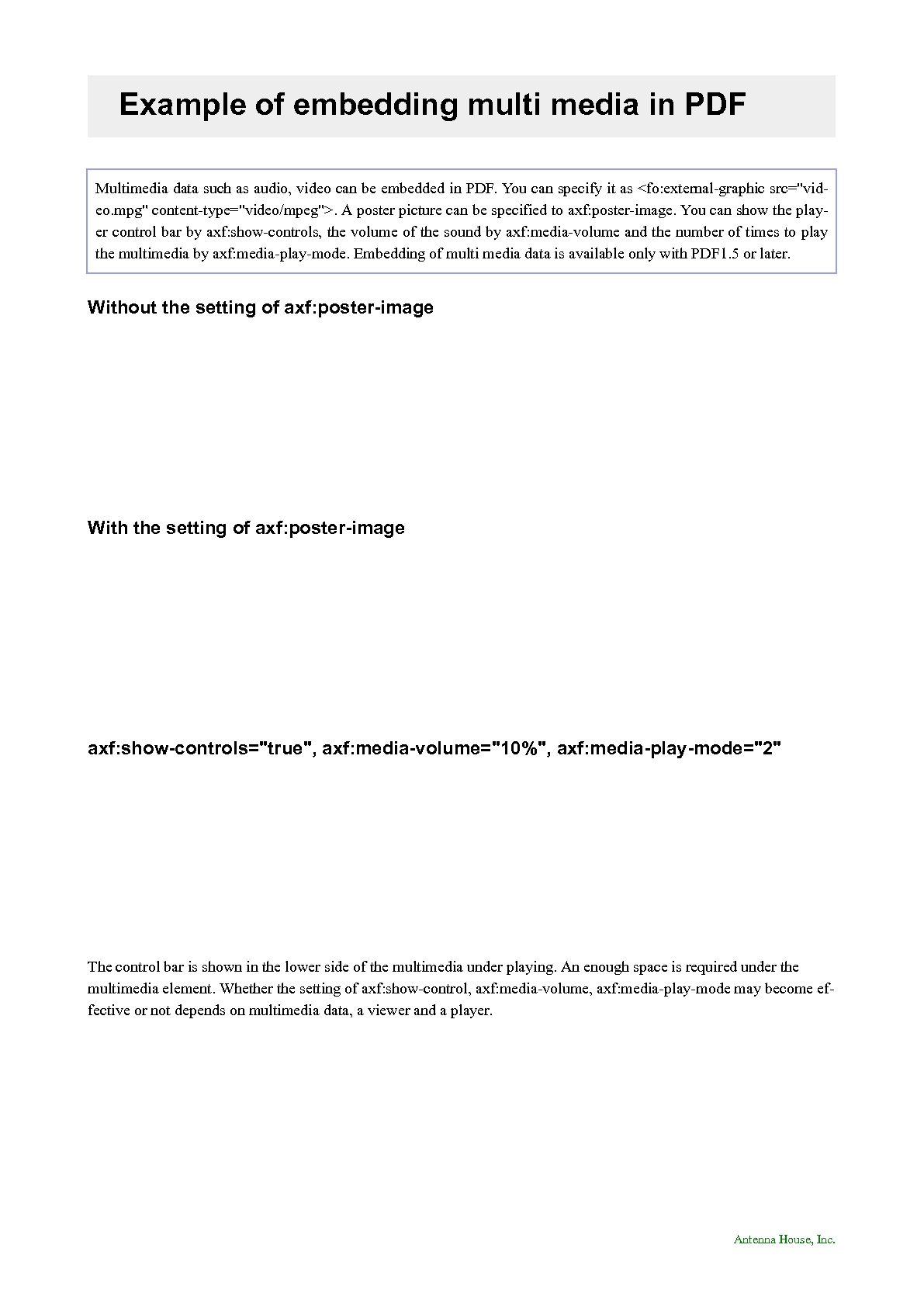
The control bar is shown under the playing multimedia object. To prevent overlapping the control bar with another object, it is necessary to make enough space below the multimedia object.
| CAUTION: | Whether the control bar is shown or not depends on the multimedia data, the viewer or the player. |
This property is not available with AH Formatter V6.3 Lite.
See also Multimedia.
XSL-FO sample:
| <fo:root xml:lang="en" xmlns:fo="http://www.w3.org/1999/XSL/Format" xmlns:cpfo="http://www.compart.net/xmlns/cpfo" xmlns:svg="http://www.w3.org/2000/svg" xmlns:axf="http://www.antennahouse.com/names/XSL/Extensions"> | |
| ||
| ||
| ||
| ||
| ||
| ||
| ||
| ||
| ||
| ||
| ||
| ||
| Antenna House, Inc. | |
| ||
| </fo:block> | |
| ||
| ||
| ||
| ||
| Example of embedding multi media in PDF | |
| </fo:block> | |
| </fo:block> | |
| ||
| Multimedia data such as audio, video can be embedded in PDF. You can specify it as <fo:external-graphic src="video.mpg" content-type="video/mpeg">. A poster picture can be specified to axf:poster-image. You can show the player control bar by axf:show-controls, the volume of the sound by axf:media-volume and the number of times to play the multimedia by axf:media-play-mode. Embedding of multi media data is available only with PDF1.5 or later. | |
| </fo:block> | |
| ||
| Without the setting of axf:poster-image | |
| </fo:block> | |
| <fo:block> | |
| ||
| </fo:block> | |
| ||
| With the setting of axf:poster-image | |
| </fo:block> | |
| <fo:block> | |
| ||
| </fo:block> | |
| ||
| axf:show-controls="true", axf:media-volume="10%", axf:media-play-mode="2" | |
| </fo:block> | |
| ||
| ||
| </fo:block> | |
| <fo:block> | |
| The control bar is shown in the lower side of the multimedia under playing. An enough space is required under the multimedia element. Whether the setting of axf:show-control, axf:media-volume, axf:media-play-mode may become effective or not depends on multimedia data, a viewer and a player. | |
| </fo:block> | |
| </fo:flow> | |
| ||
| </fo:root> |
Output:
| Tipp der data2type-Redaktion: Zum Thema XSL-FO bieten wir auch folgende Schulungen zur Vertiefung und professionellen Fortbildung an: |