


Links, images and media
Links and images share much of their notation in Markdown. That simplicity should not obscure the differences between a destination, visible link text, a caption, and alternative text. A production system may need to manage them independently.
The specimens use local image and audio assets included in the package and illustrative web addresses. Local resources are reproducibly available. Automated checks inspect their existence and internal link destinations. Reachability of illustrative external addresses is outside the test scope. S02, S07
Example 20: Inline links and reference links
CommonMark
An inline link consists of visible text in square brackets and a destination in parentheses. An optional title follows in quotation marks. Reference links move destination and title to a separate definition, allowing several links to share the same target without repeating its URL.
SOURCE
Read the [manual](https://example.org/manual "Editorial manual").

Use [the same manual][guide] during editing.
Try [guide][] or the shortcut [guide].

[guide]: https://example.org/manual "Editorial manual"
RENDERED RESULT
The example includes full, collapsed, and shortcut reference forms. All four links receive the same destination. The label guide is neither a paragraph ID nor a bibliographic record. A missing definition does not reliably produce an error: the notation may simply remain ordinary text.
Example 21: Automatic links and email addresses
GFM, formal profile
URLs and email addresses in angle brackets belong to CommonMark core. The final unbracketed URL is recognized as a link by the GFM profile used here. This small difference provides an easily testable dialect check.
SOURCE
<https://example.org/catalog>

<editor@example.org>

https://example.org/releases
RENDERED RESULT
The email address becomes a mailto: link. None of these transformations confirms that a destination exists or an address is correct. The example.org addresses are illustrative test destinations. Production processing should check reachability, allowed protocols, and, where appropriate, external redirects separately.
Example 22: Stable internal references
Pandoc Markdown
A fragment link uses the same syntax as an external link, but its destination begins with #. Pandoc assigns an explicit identifier to the heading through {#editorial-checklist}. Changing the visible heading need not change its destination address.
SOURCE
# Editorial checklist {#editorial-checklist}

Check the references before release.

Return to the [editorial checklist](#editorial-checklist).
RENDERED RESULT
The link syntax is broadly usable; the explicit attribute syntax shown here is Pandoc-specific. Automatically generated heading identifiers differ between platforms. A working jump is not an automatically worded reference such as "see Chapter 7". Tests therefore check destination resolution separately from numbering and link text.
Example 23: Image syntax and reference images
CommonMark
An exclamation mark before link notation turns it into an image. Square brackets contain alternative text; parentheses contain the path and an optional title. Reference notation works like reference links. In the second paragraph, the image occurs inline.
SOURCE

The same asset: ![Orange sample cover][cover]
[cover]: assets/cover.pngRENDERED RESULT
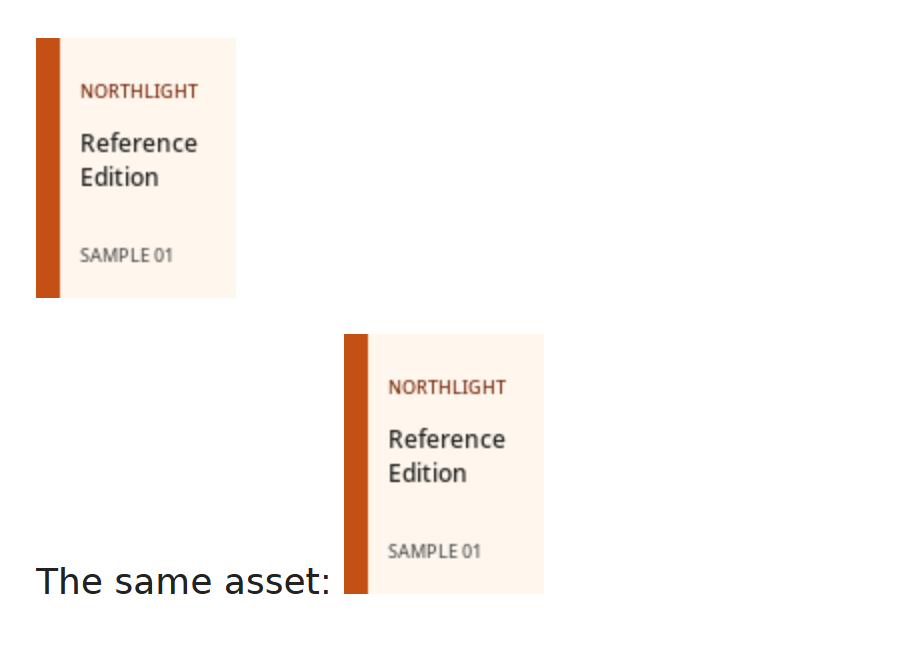
A title does not replace alternative text. Nor does CommonMark core automatically create a caption. Relative paths must be resolved against the correct resource directory during a build. The PNG asset is therefore included in this package; a missing-image icon must not be mistaken for successful embedding.
Example 24: Caption, width and identifier
Pandoc Markdown
With implicit_figures, Pandoc can treat a standalone image reference as a figure. The bracketed description becomes a caption. Attributes assign an identifier and a relative width. The HTML shown here contains figure, img, and figcaption.
SOURCE
{#cover-figure width=25%}RENDERED RESULT
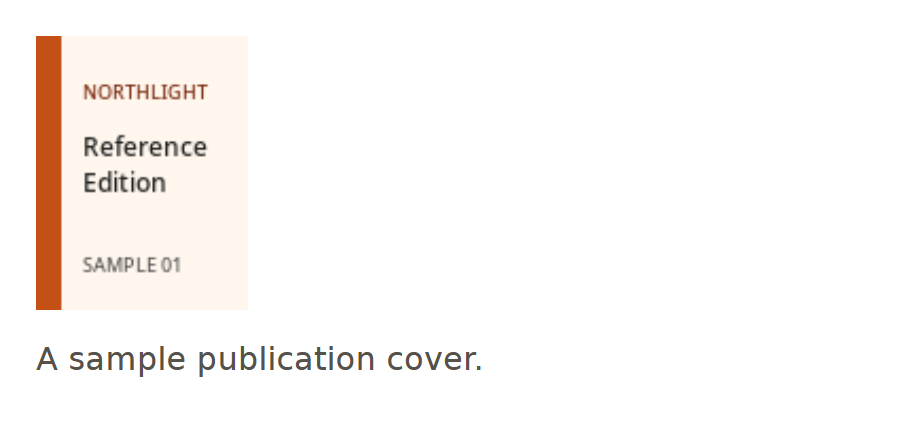
A visible caption and alternative text are conceptually different information, even though this simple mechanism starts from the same text. Editorial requirements that distinguish them need a richer convention or a filter. An identifier alone also does not create an automatically numbered reference to the figure.
Example 25: Audio as an HTML extension with a text alternative
CommonMark
CommonMark core has no dedicated Markdown audio syntax, so this specimen embeds an actual HTML element. The WAV file and transcript are included. The HTML preview displays a player; playback requires a user action.
SOURCE
<audio controls="controls" src="assets/sample.wav">
  Your browser does not support audio playback.
</audio>

[Read the transcript](assets/transcript.txt).
RENDERED RESULT

This does not give a Word document or printed PDF an equivalent player. The separately written transcript link provides a portable alternative. Video has the same underlying issue. Platforms may also filter embedded HTML. Content, rights information, subtitles, and alternatives should therefore not exist exclusively inside an HTML block.
Safe web publishing needs additional rules for URLs and embedded HTML. A parser is not a general-purpose security filter. Define allowed protocols, HTML elements, and attributes for external or AI-generated content. Images need appropriate alternative text and media need suitable text alternatives. Calling the source file Markdown rather than HTML does not remove those requirements.