


Displaying code and actually executing examples
Markdown works well for documentation combining explanatory text with technical sources. Code stays copyable and can retain indentation. Three separate tasks are involved, however: displaying code literally, highlighting its syntax, and executing or validating it.
The specimens cover both basic block notations, nested fences, attributes, and a complete small XSLT stylesheet. Execution is limited to the explicitly supplied trusted test files. Pandoc itself is not being used as an execution service for arbitrary code. S08, S04
Example 26: Indented code block
CommonMark
Four leading spaces mark an indented code block here. They belong to the Markdown notation and are not displayed as four additional spaces. Further indentation within the XML fragment is preserved.
SOURCE
The following fragment is literal code:

    <book>
      <title>Reference Edition</title>
    </book>
RENDERED RESULT
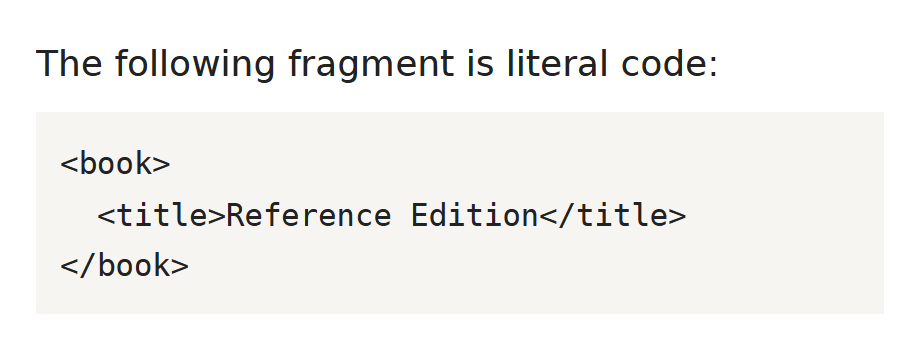
The preceding blank line separates the block from the paragraph. Inside lists, container indentation rules apply as well. This form of indented code block does not provide a language identifier. Fenced code blocks are therefore often more convenient for detailed technical documentation.
Example 27: Code fence and language identifier
CommonMark
At least three backticks open a code fence. A run of at least the same length closes it. Tildes are an alternative but must then also be used for the closing fence. The string xml hints at the language.
SOURCE
```xml
<article id="a1">
  <title>Reference Edition</title>
  <p>The release is approved.</p>
</article>
```
RENDERED RESULT
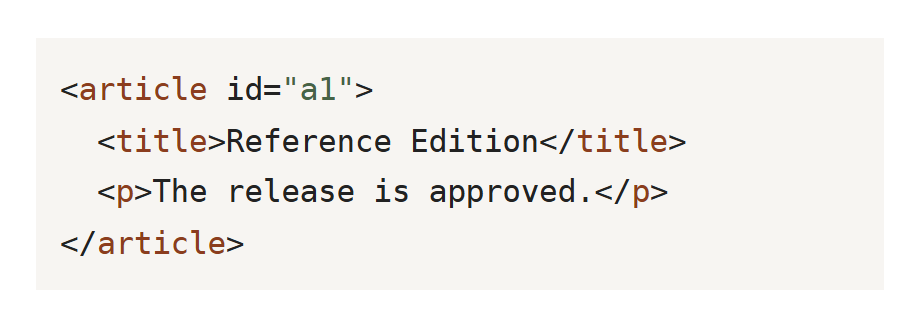
The parser recognizes a code block; the output processor supplies syntax highlighting. Neither attractive coloring nor the language label proves that the XML is well formed or schema-valid. This package also checks the corresponding XML with an XML parser. Presentation, syntax checking, and domain validation consequently remain separate activities.
Example 28: Documenting Markdown syntax literally
CommonMark
A Markdown guide often needs to display a code fence inside a specimen. Here the outer fence uses four backticks and the inner fence uses three. The inner run therefore does not close the outer block.
SOURCE
````markdown
```xml
<status>approved</status>
```
````
RENDERED RESULT
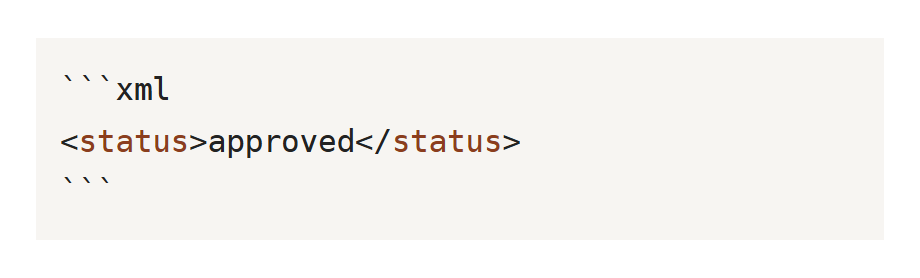
The output intentionally displays Markdown fence syntax rather than rendering the enclosed XML specimen. The same principle applies to generated documentation: adjust the outer fence length to its contents. Blindly surrounding arbitrary text with three backticks can break the structure of the remainder of a page.
Example 29: Code attributes and line numbers
Pandoc Markdown
Pandoc allows attributes directly on a code fence. The xml class identifies the language, numberLines requests line numbers, and startFrom sets the initial value. The HTML preview uses the generated highlighting structure and corresponding CSS.
SOURCE
```{.xml .numberLines startFrom="10"}
<article>
  <title>Reference Edition</title>
</article>
```
RENDERED RESULT
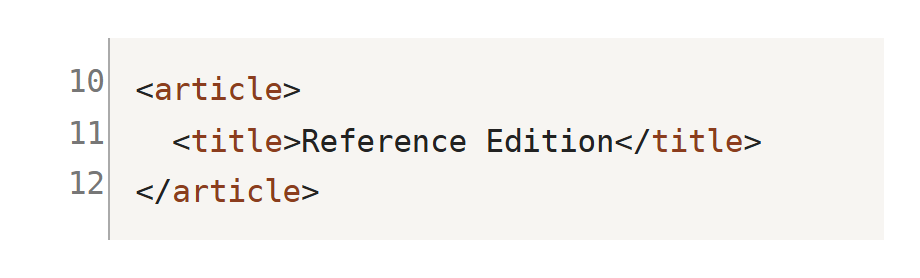
These attributes are not an ordinary CommonMark language label. Without suitable rendering support, line numbers can be absent. Nor does this create an automatic cross-reference to "line 12". An editorial reference must still be checked when the code changes.
Example 30: An XSLT specimen that is actually executed
CommonMark
Markdown only displays the stylesheet. Actual execution happens separately using the supplied inputs/article.xml document and inputs/title.xsl stylesheet. The expected text is Reference Edition; a test compares the real transformation result against it.
SOURCE
```xslt
<xsl:stylesheet version="1.0"
  xmlns:xsl="http://www.w3.org/1999/XSL/Transform">
  <xsl:output method="text"/>
  <xsl:template match="/article">
    <xsl:value-of select="title"/>
  </xsl:template>
</xsl:stylesheet>
```
RENDERED RESULT
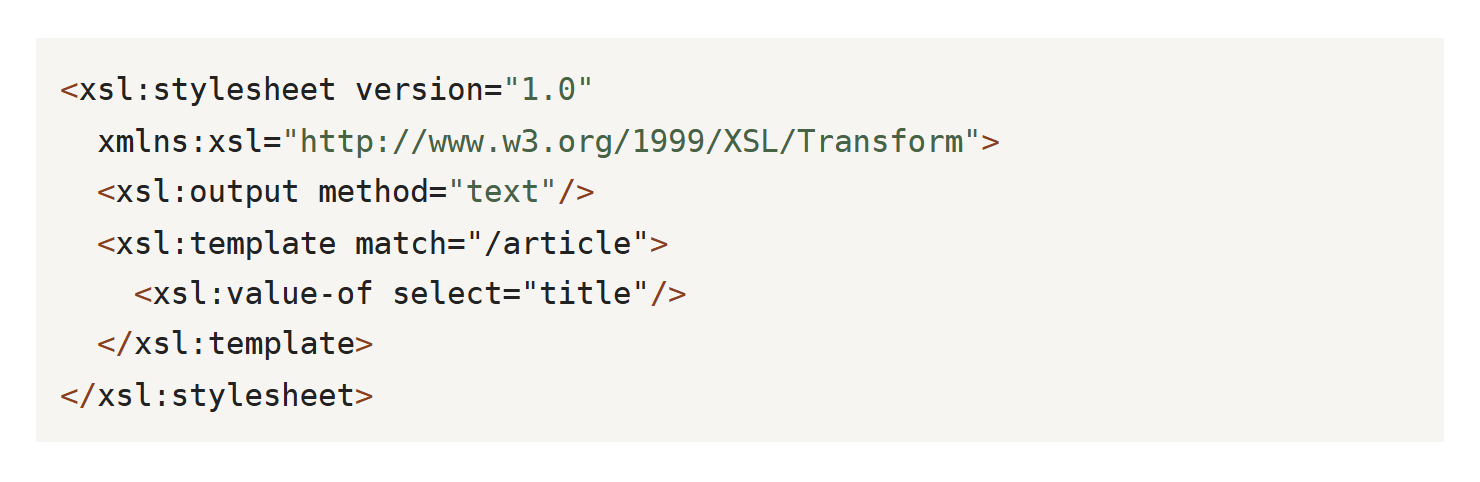
This checks two different claims: Pandoc processes the code block, and an XSLT processor processes the stylesheet. A successful Markdown build alone does not prove that program examples work. Untrusted code must not be executed automatically with unrestricted filesystem or network access.